Agent Diagrams
Agent diagrams are used to design conversational agents and their behaviors, supporting the definition of agent models.
Agent States
AgentStates represent the different conditions or statuses that an agent can be in.
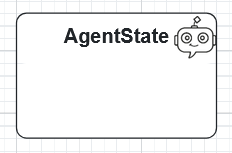
Double-click an AgentState to edit its body:
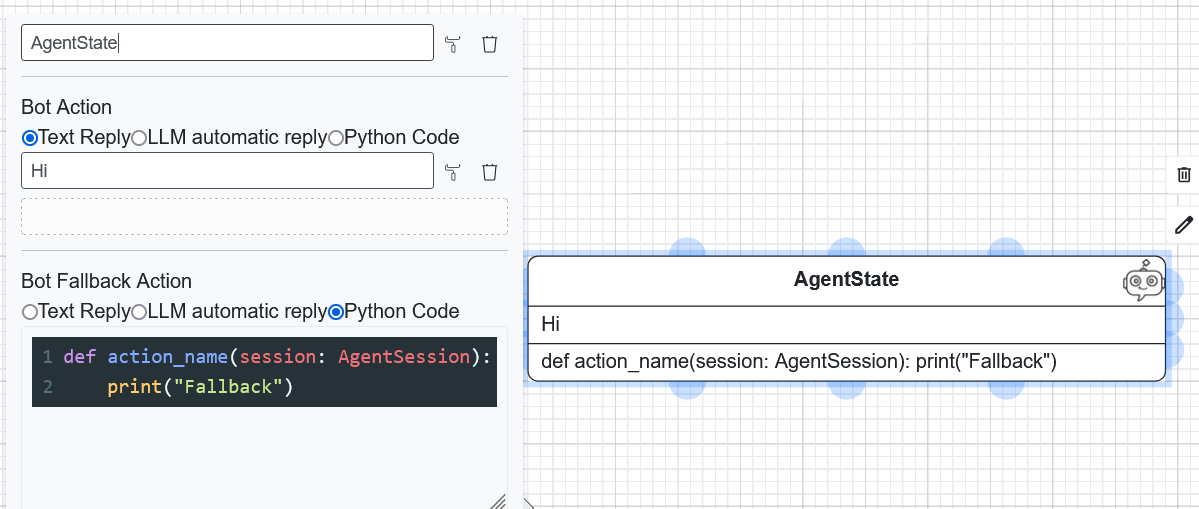
Options for the body:
Text Reply: Static text sent as a reply.
LLM Reply: Generates a reply using a Large Language Model based on user input.
Python Code: Executes custom Python code (must take
sessionas an argument).
Transitions
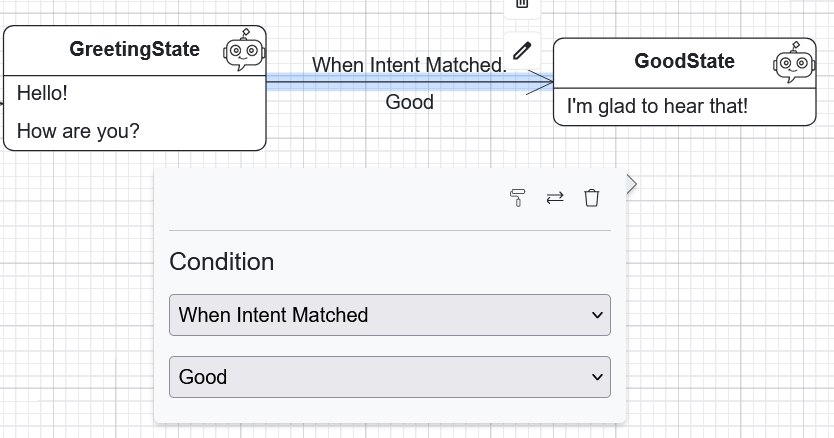
Transitions define how the agent moves between states. Supported conditions:
When Intent Matched: Occurs when a specific user intent is recognized.
When No Intent Matched: Fallback when no intent is recognized.
Variable Operation Matched: Checks if a session variable meets a condition.
File Received: Occurs when a specific file type is uploaded.
Auto Transition: Occurs automatically after the state action completes.
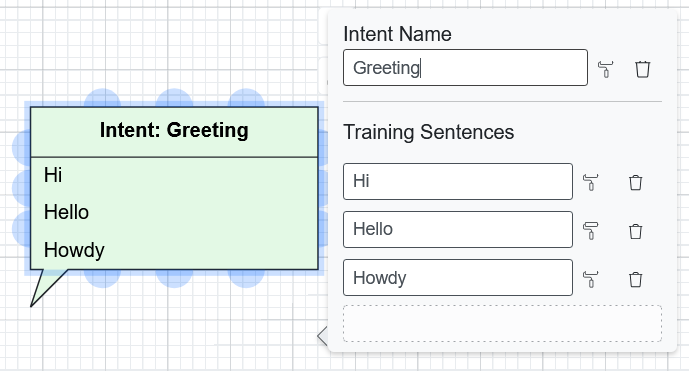
Intents
Intents represent the user’s goals or vocabulary. Each intent requires a name and a list of training sentences.
Generating the Agent
Once designed, you can generate a deployable agent:
Click Generate Code.
Select BESSER Agent.
Choose the Source Language (of your model) and Target Language (for the agent’s communication).
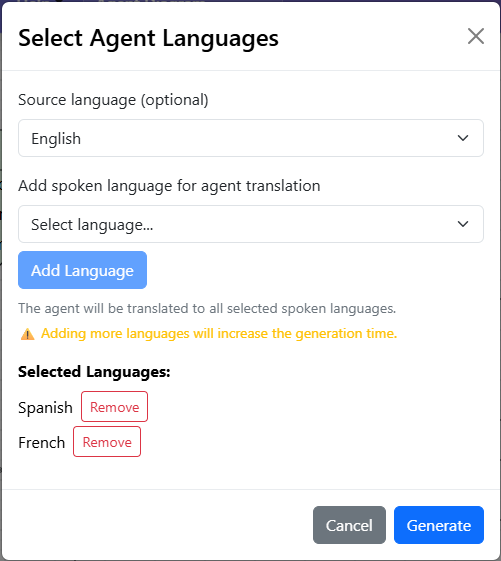
Supported languages include English, German, Spanish, French, Luxembourgish, and Portuguese.